TOKEN LAUNCHPAD · SOLANA

Create a token.
Keep your keys.

Choose a name and an image, connect Phantom,
and launch your coin on pump.fun.
You review and approve the transaction in your wallet.
Solana network Launch on pump.fun
YOUR KEYS. YOUR TOKEN. RINGPAD
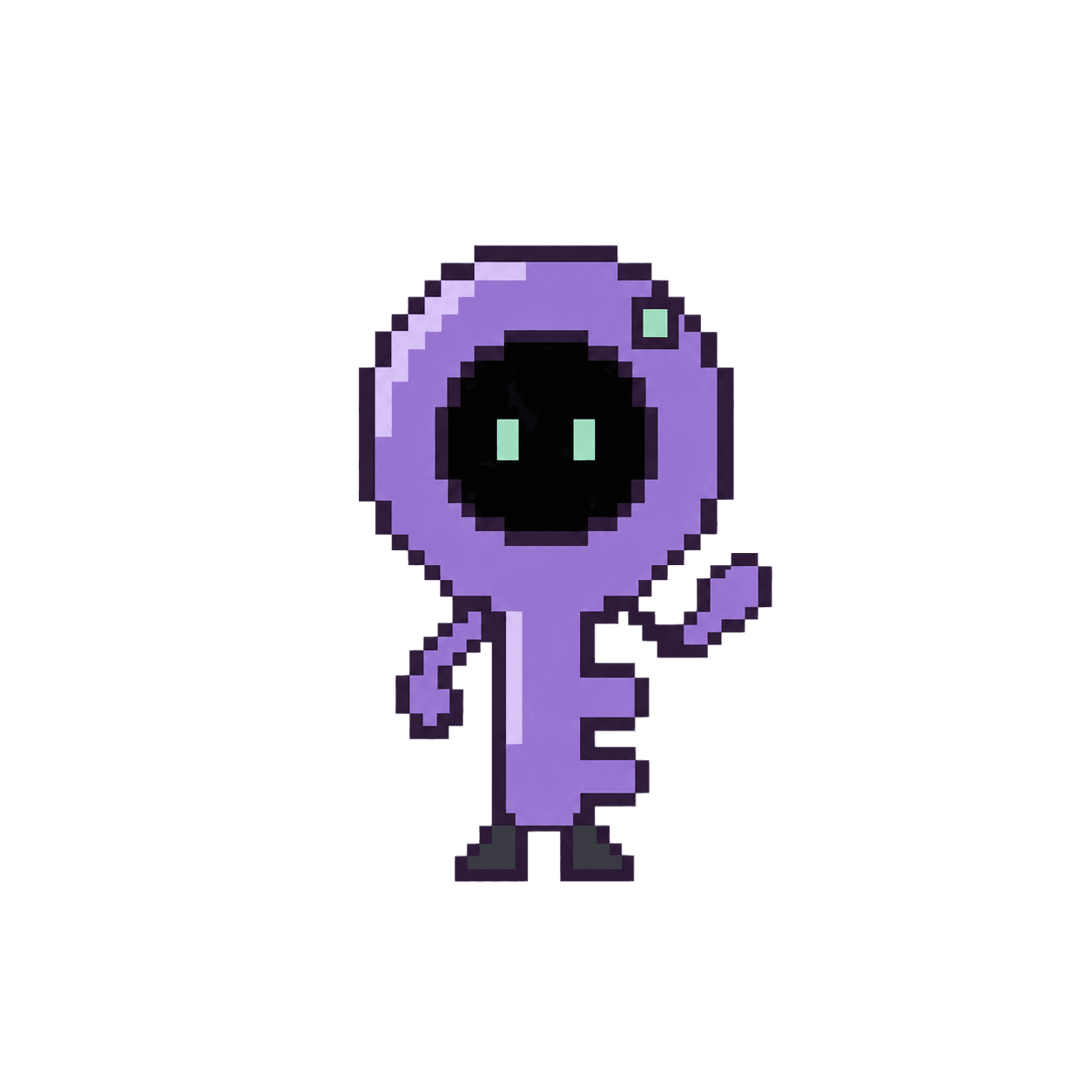
Ringpad's small purple pixel-art key character with mint eyes and tiny feet
Your wallet stays yours.Ringpad never asks for your private key.
Sign with Phantom Keep your private keys Tokens launch on SolanaExplore tokens
GET STARTED

Create your token in 3 steps.

Open the form
01

Add your token details.

Enter a name, ticker and description. Upload the image people will see.

02

Connect Phantom.

Use your Solana wallet. It pays the network costs and signs the launch.

03

Review and launch.

Check the details in Phantom. After confirmation, your coin is on pump.fun.

The Ringpad token $RING

Creating a new coin?
Your coin is separate from the Ringpad token.

OPTIONAL · RESEARCH

Explore the XMR curve simulator

An educational model. You do not need it to create a Solana token.

Change the XMR amount to see the estimated token output. This is a separate simulation: it does not create a token, send money, or show live prices.

Reference model

How the model price changes

An illustration of price as tokens move along the curve.

XMR / TOKEN
Token priceMore tokens bought.
Higher model price.↗
GenesisTokens on the curve Post-curve

XMR simulator

Simulation
ɱ XMR
↓
Estimated tokens34,277,831.56token units
Model fee · 1%0.01 XMR

Simulation only. No money is sent.

YOUR KEYS. ALWAYS.

Connect Phantom.

Connect with the Phantom extension, or open Ringpad in the Phantom mobile browser.

Get Phantom We never ask for your recovery phrase or private key.